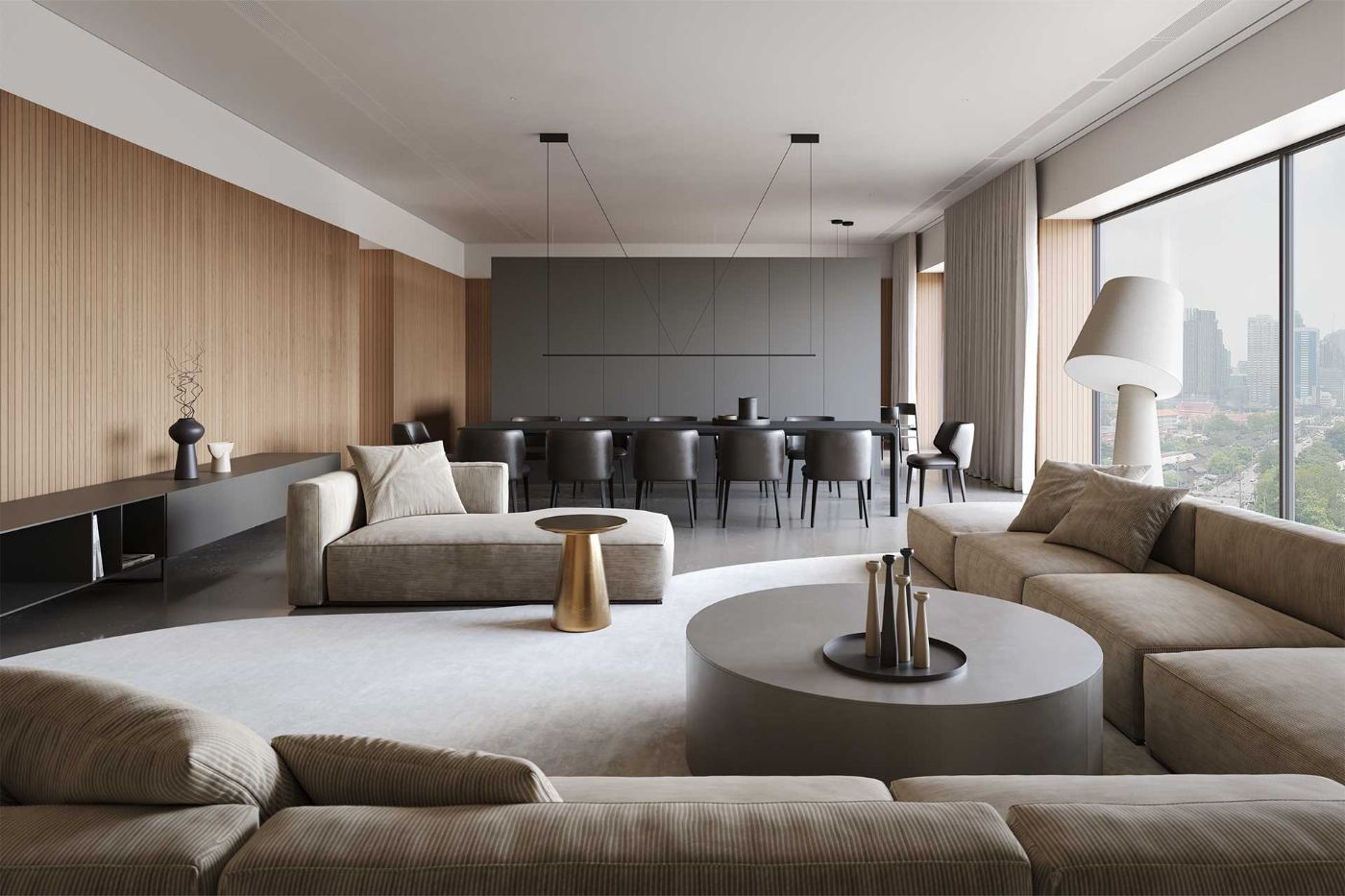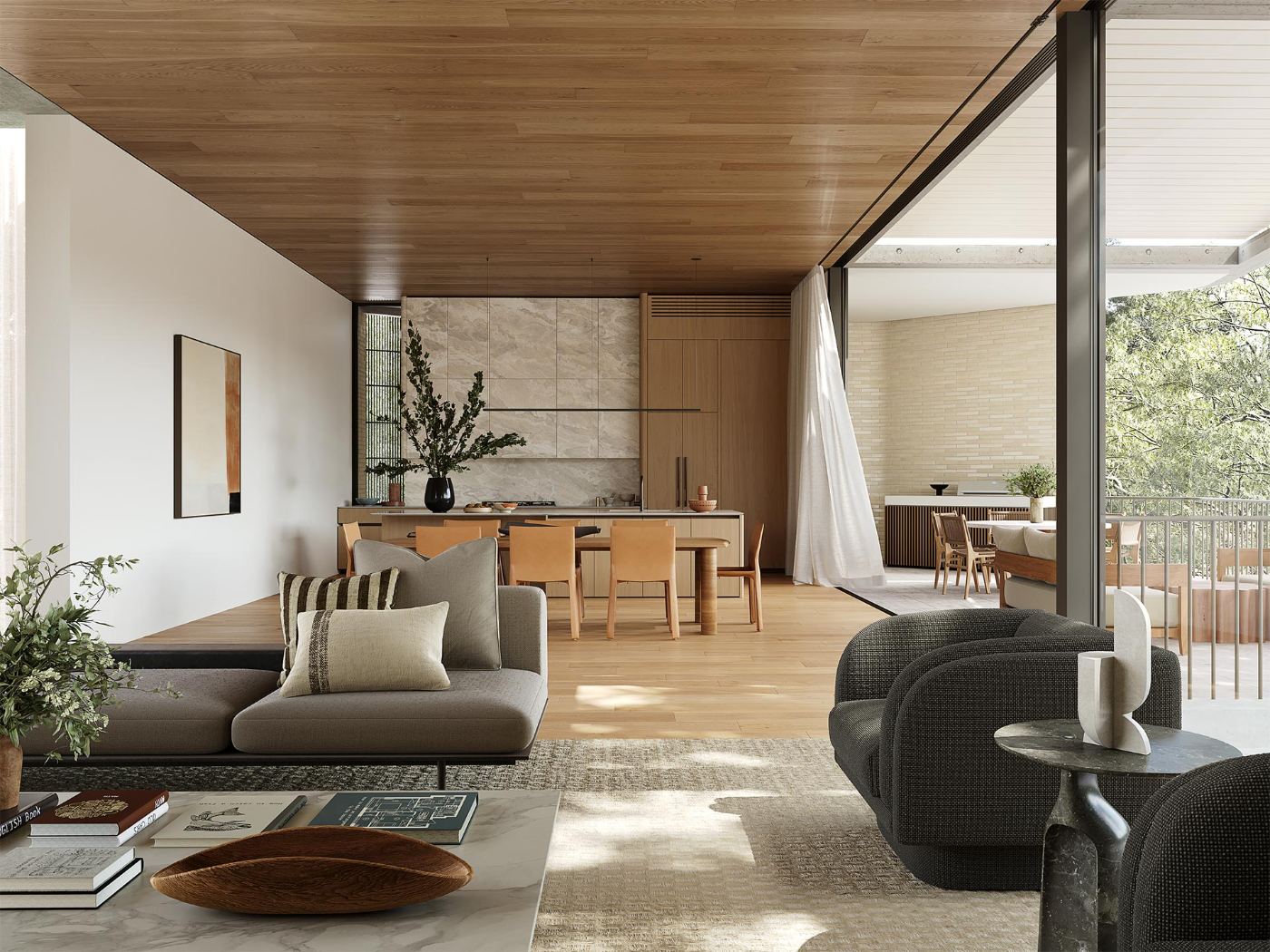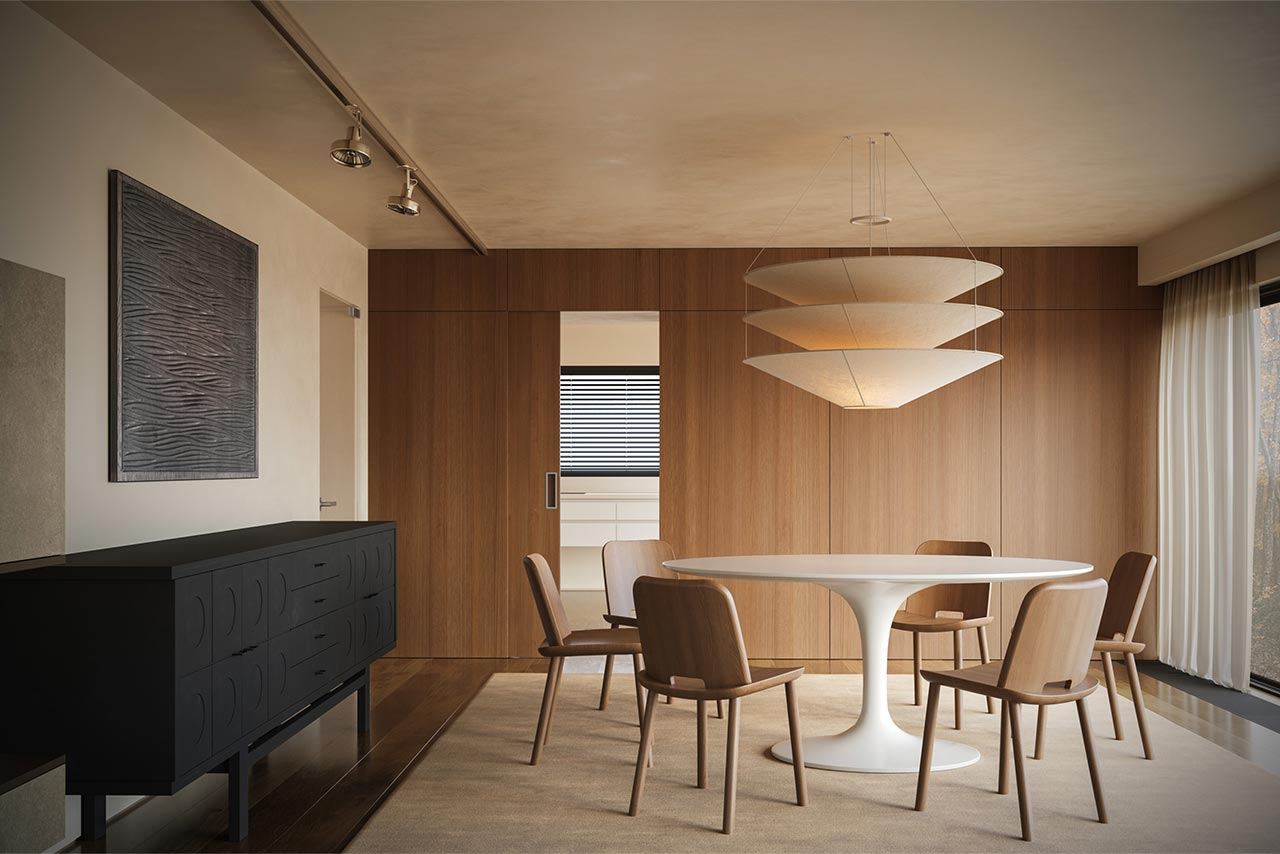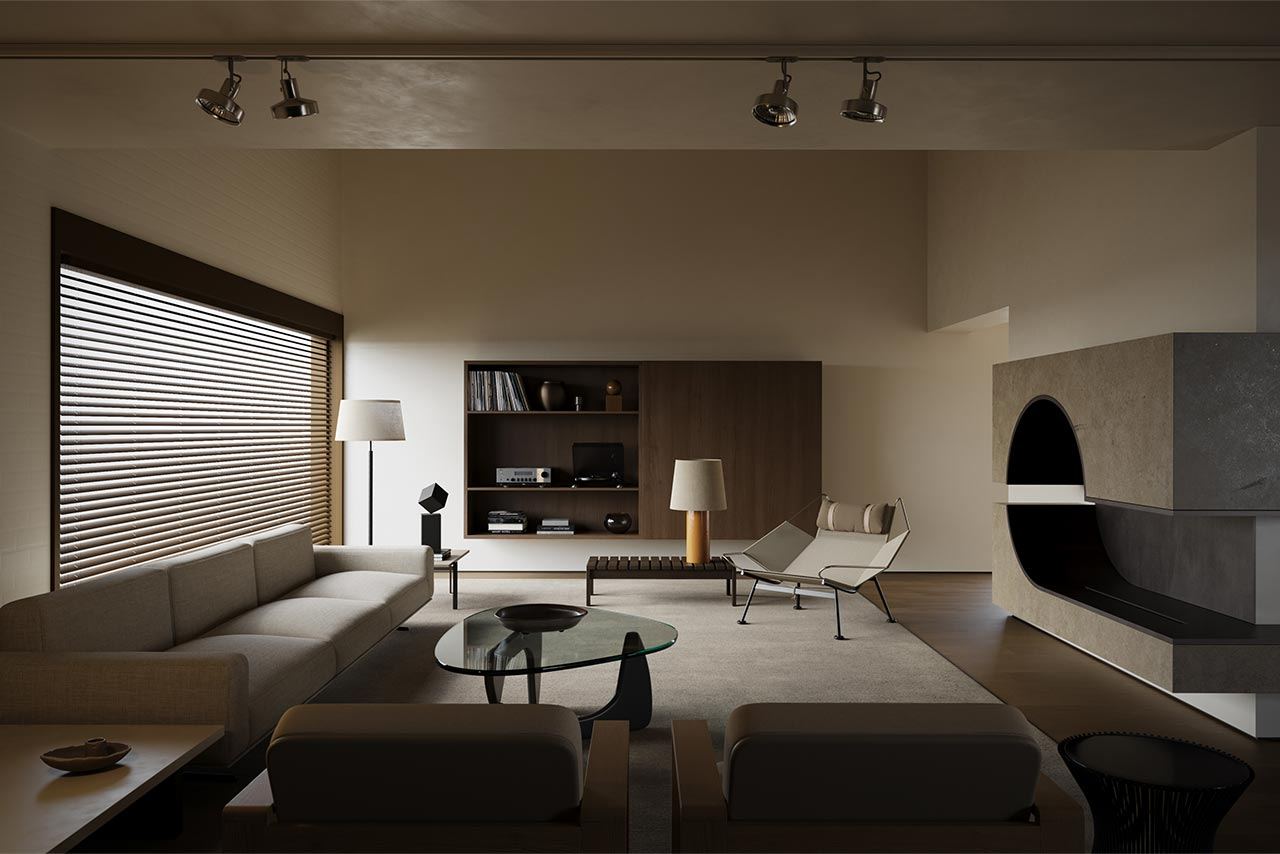
RENDER CAMP
Where architecture speaks in images
RENDER CAMP
Where architecture speaks in images
FOUNDATIONS · 4-WEEK ONLINE COURSE · 3D MAX · CORONA RENDERER · AI

MAKE IMAGES THAT GET PAID FOR. FROM ZERO. 

Interiors. Design. Marketing visuals.

Course built using the working method of a commercial visualization studio — taught from absolute zero, in 4 weeks.

Start date
May 18
Duration
4 weeks
Lessons
12 live and more than 90 pre‑recorded
The result
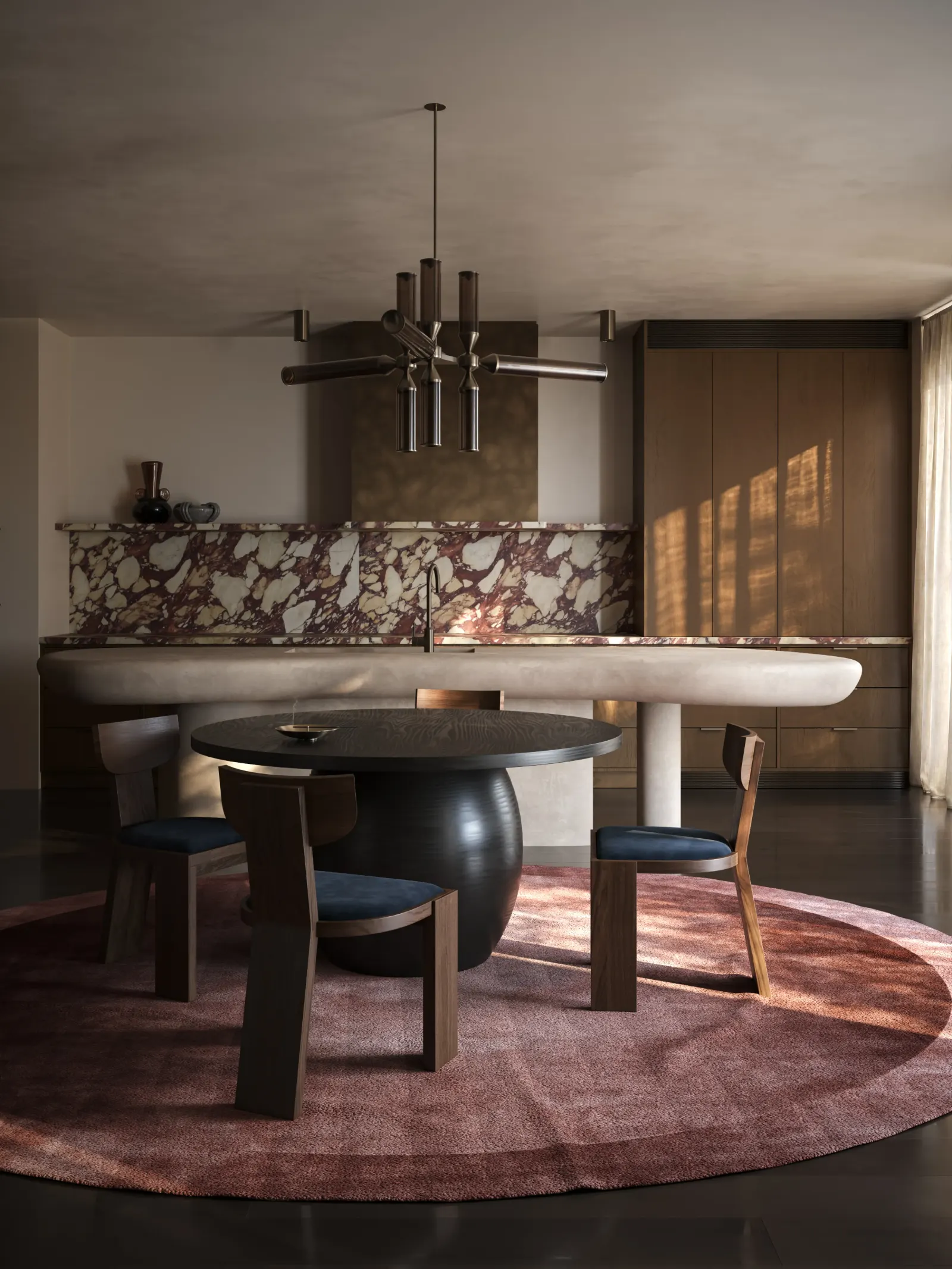
Studio-grade work. From zero.

THE STUDIO'S METHOD.
EXACTLY HOW WE WORK.

Who you become

Four weeks from now,
this is you.

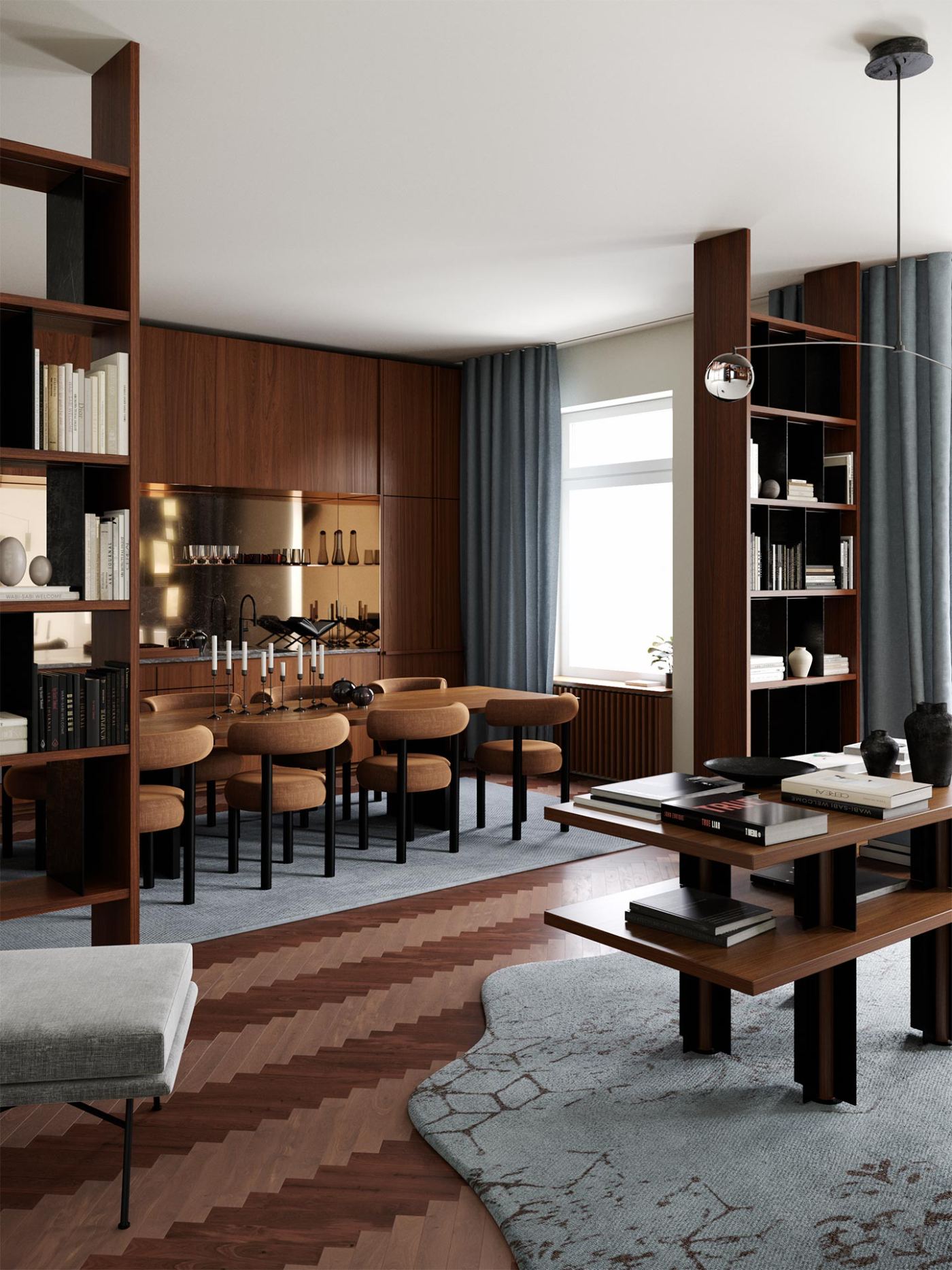
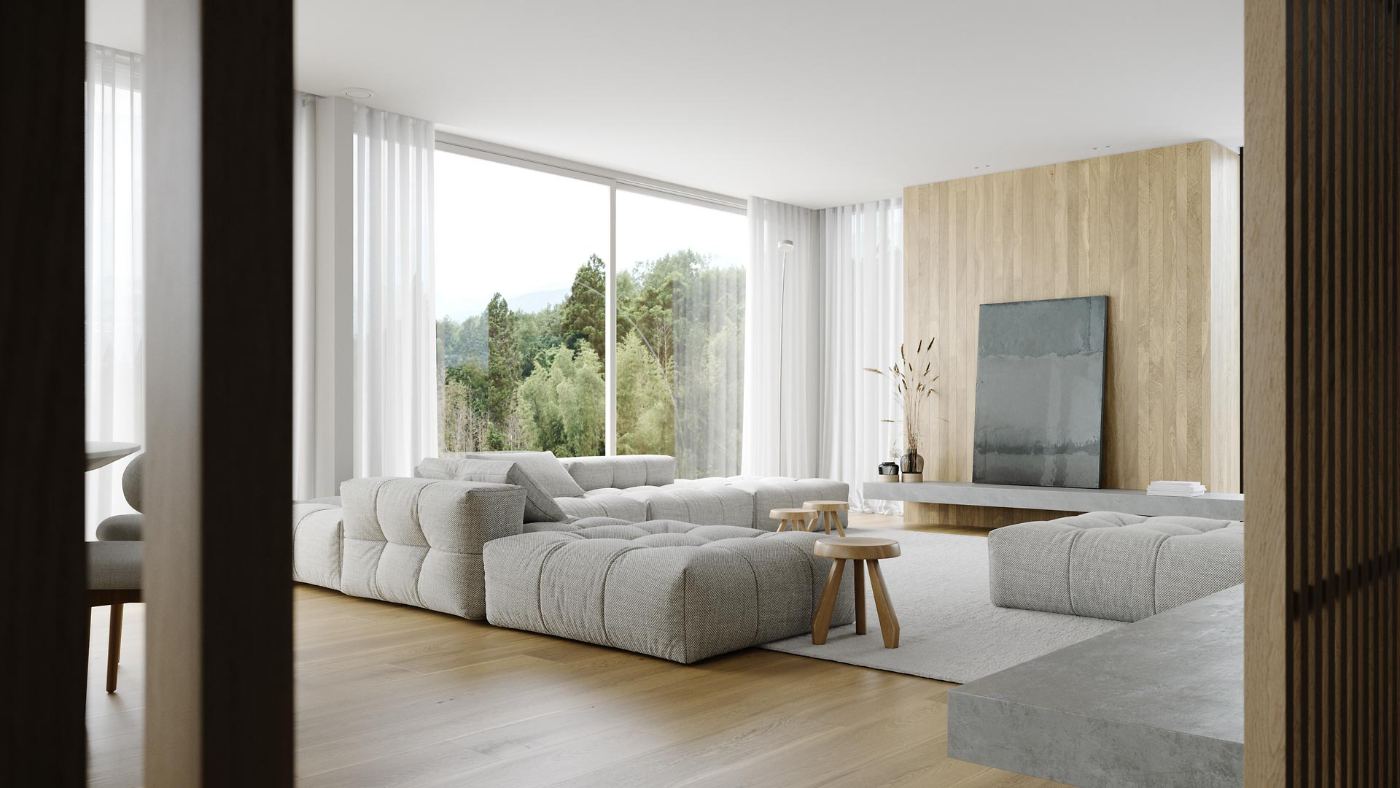
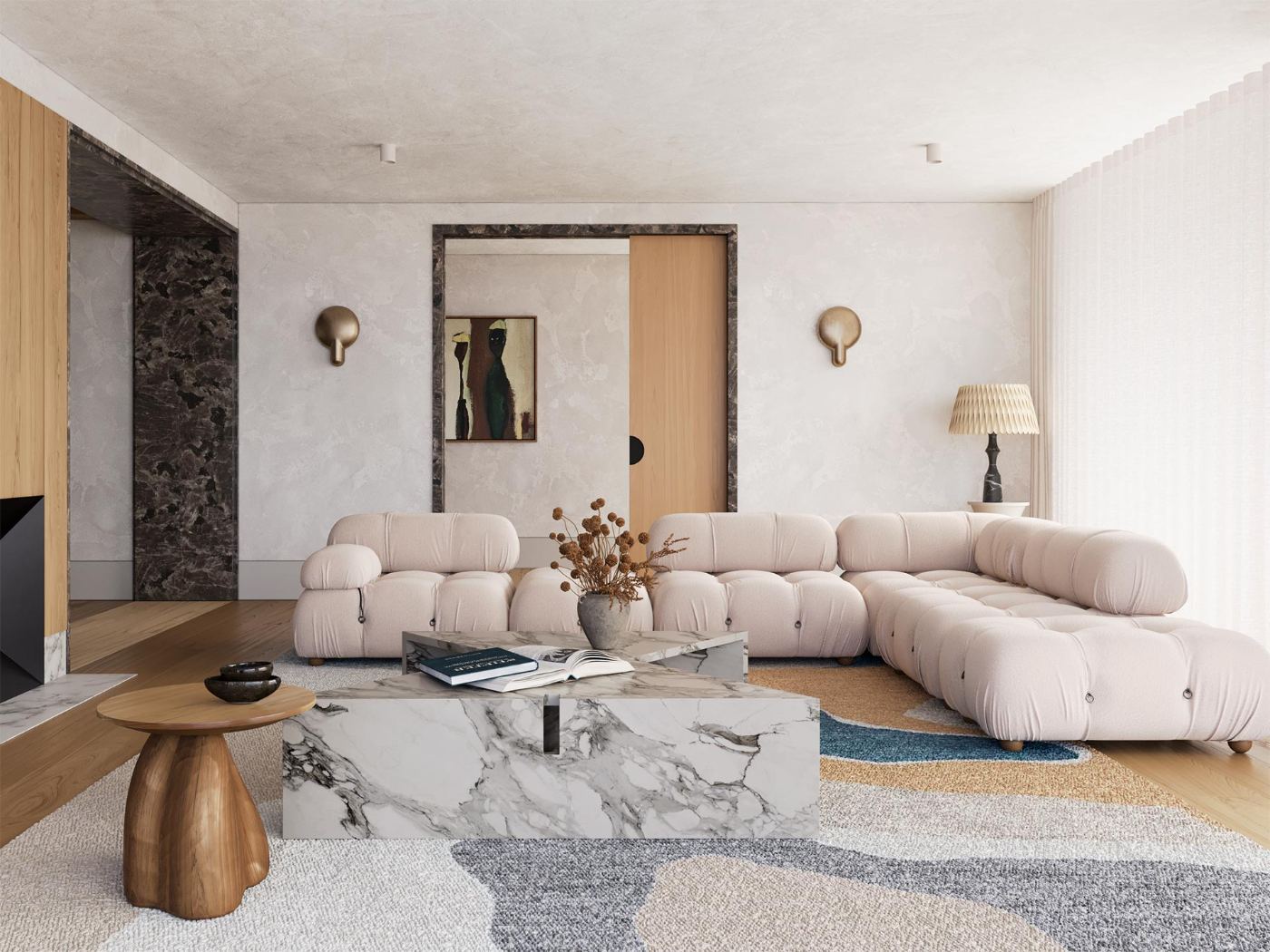
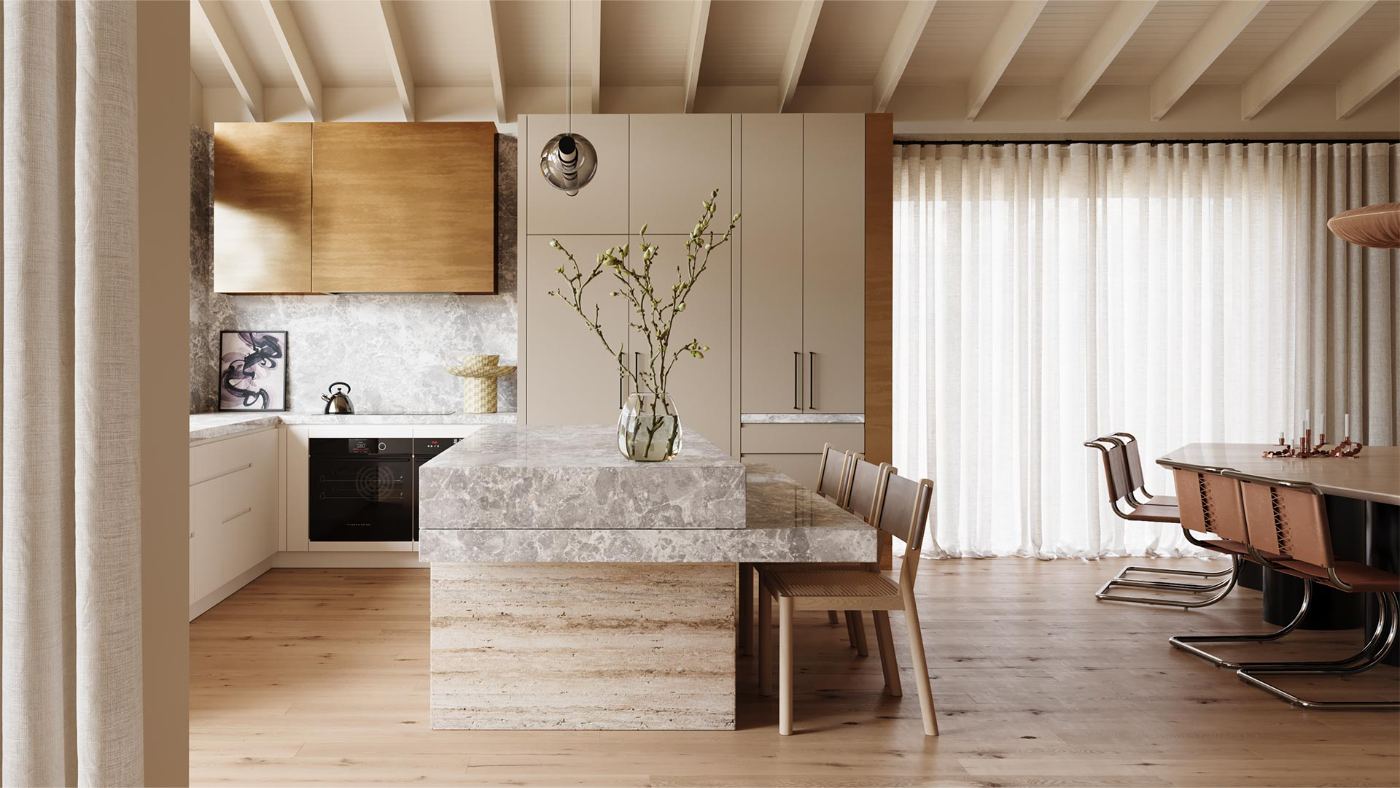
Not "someone who took a 3D course." Someone clients hire, studios call back, and other artists ask for advice. Pick the door — the skill set is the same.

01

The studio‑ready artist

You walk into a visualization studio with a portfolio that doesn’t need a disclaimer. You sit down on a real project and ship from day one — same software, same pipeline, same standards.

02

The freelancer who gets paid

Architects and designers send you their plans. You quote the job, build it, deliver it. The image lands — nobody asks for "a few more tweaks" for two weeks straight.

03

The designer who shows, not tells

You design interiors and present them as images, not mood boards. The client says yes faster, pays more, and trusts you on the next room before you’ve finished this one.

04

The author of your own world

Your own brand, your own product, your own story — rendered exactly the way you see it in your head. No "I’ll hire someone someday." You make the image yourself, this week.

Swipe → 4 paths
The method

THREE PILLARS — ONE PIPELINE.
USED ON EVERY PAID PROJECT WE SHIP.

Where the method comes from

FORTES VISION is our marketing agency. The way we make images for clients is the way we teach at RENDER CAMP — built on three things working together, referenced everywhere on this page.

01
STRONG 3D CRAFT

The full commercial pipeline: modeling, lighting, materials, render, post. Built to professional standards from your first scene.

02
AI in the
workflow

Integrated where it multiplies your speed and quality. The same way our studio uses it on real projects today.

03
Artistic
vision

Composition, light, mood, story. The reason an image gets paid for instead of scrolled past.

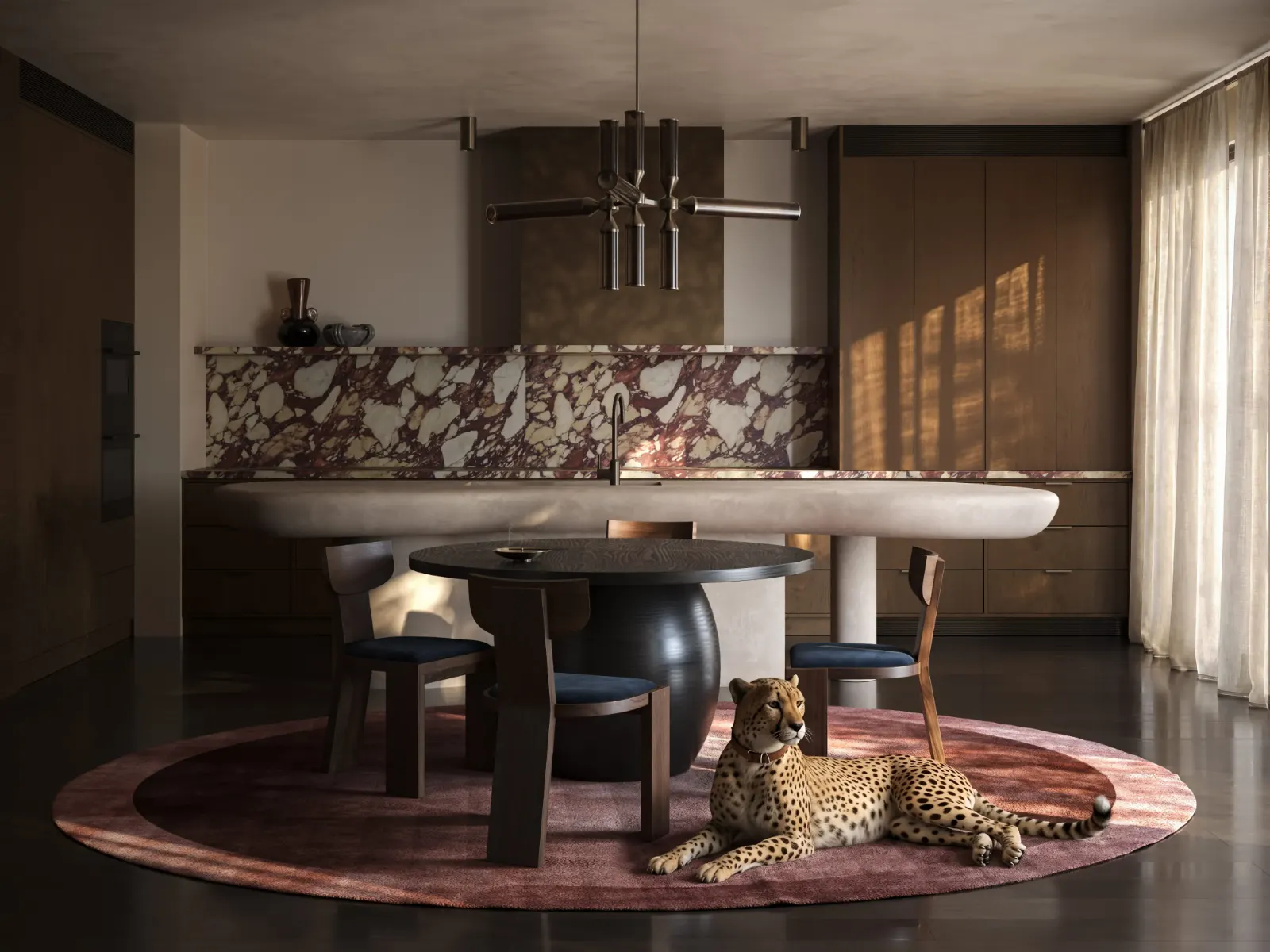
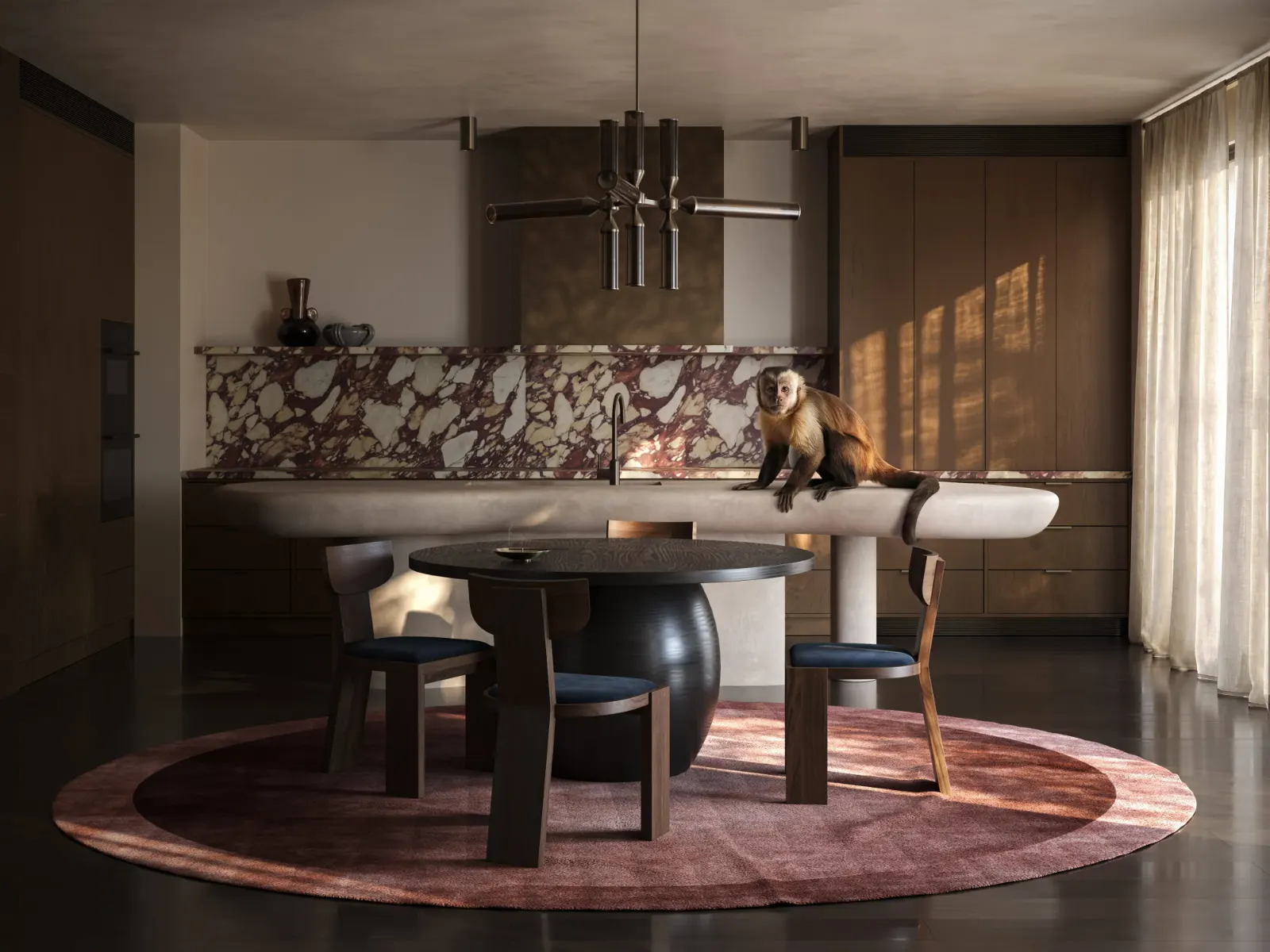
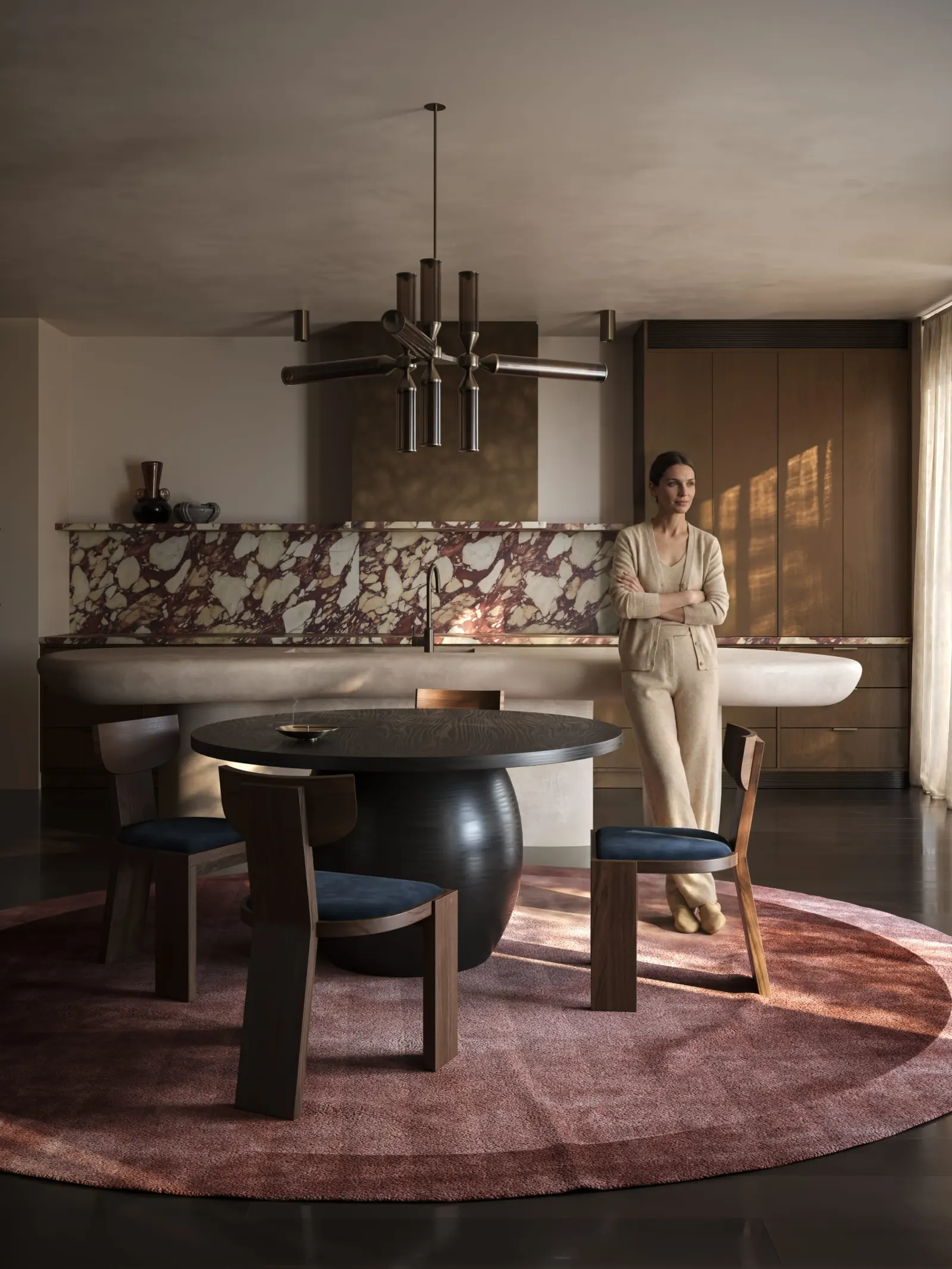
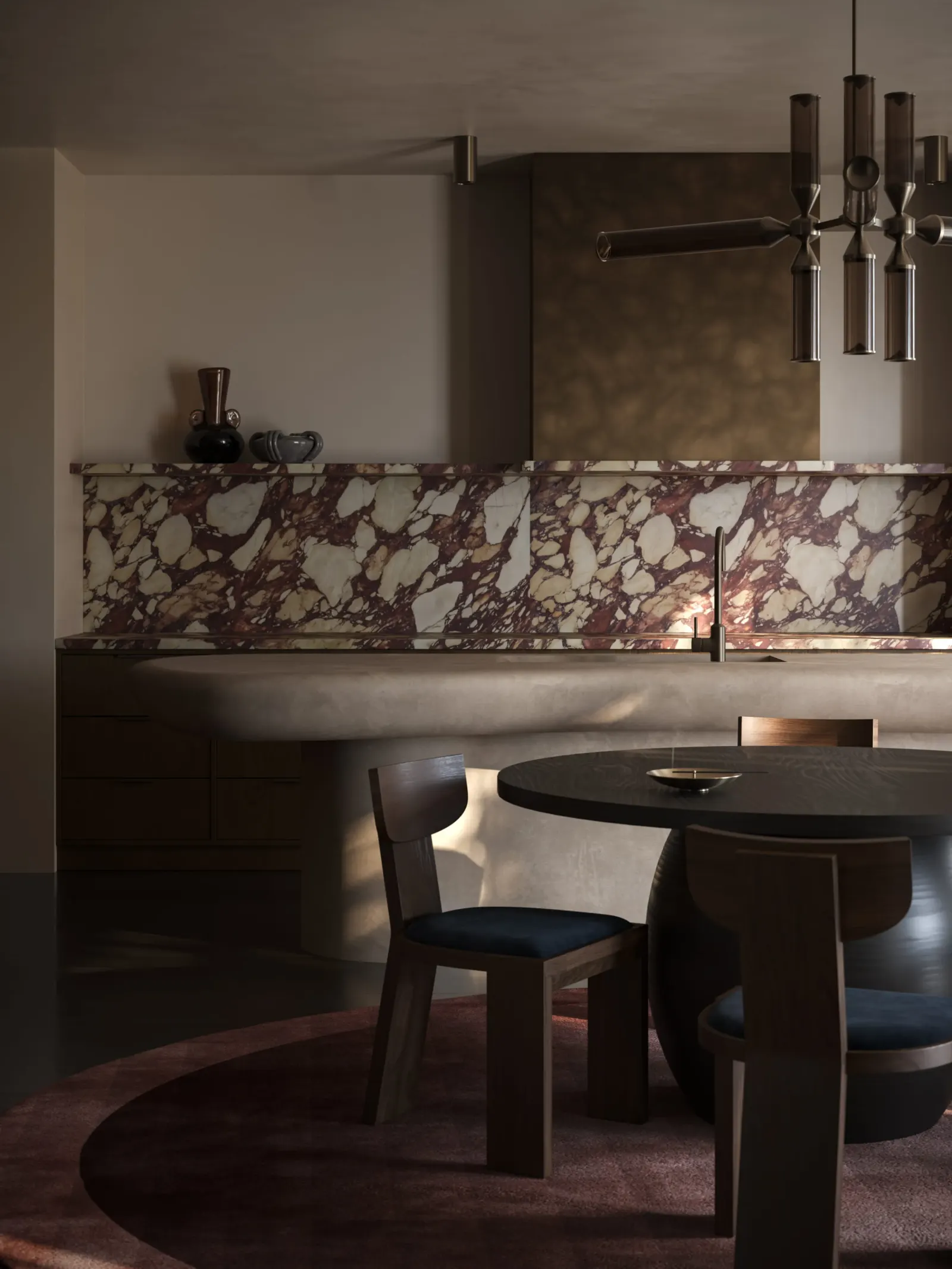
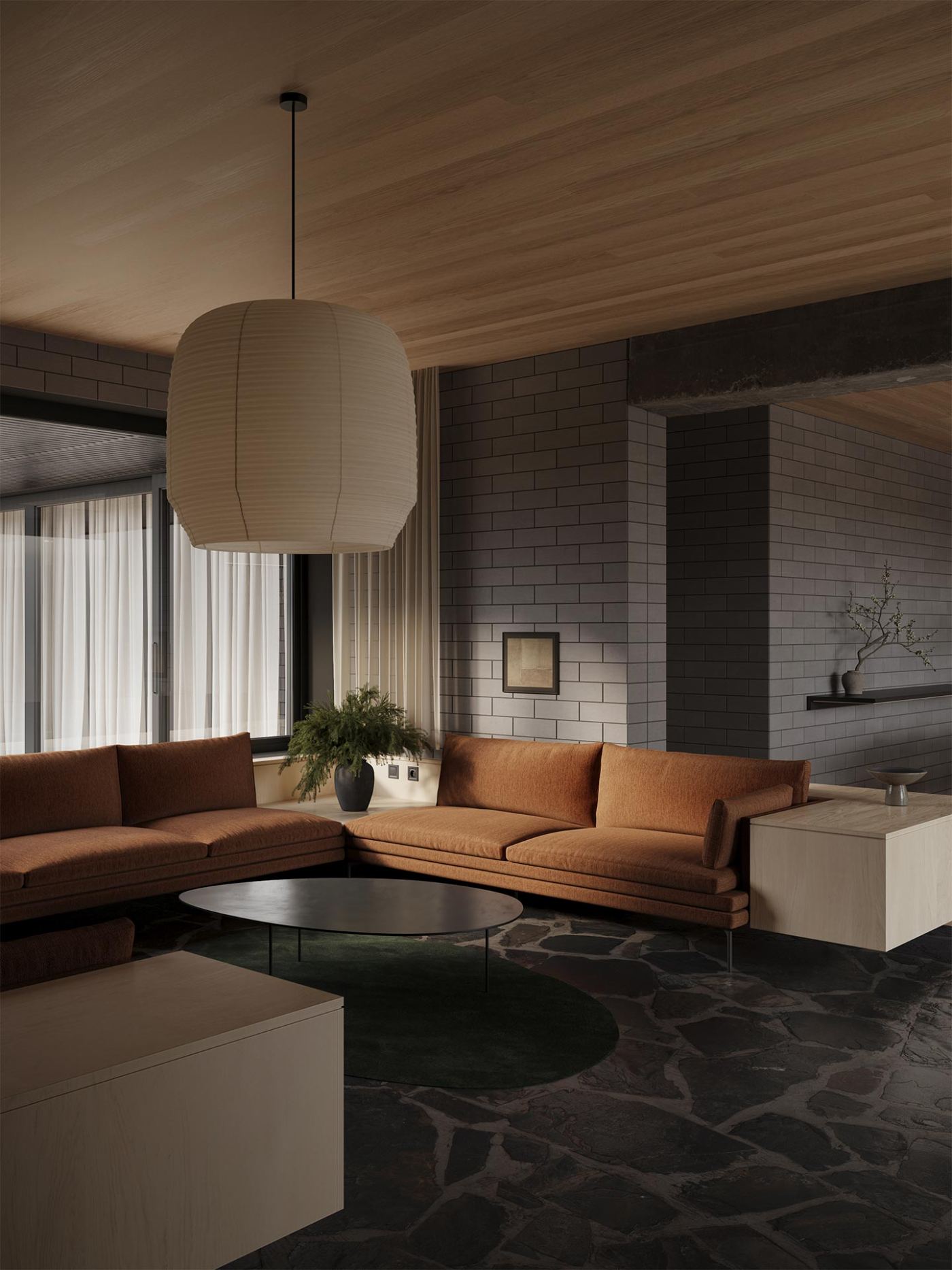
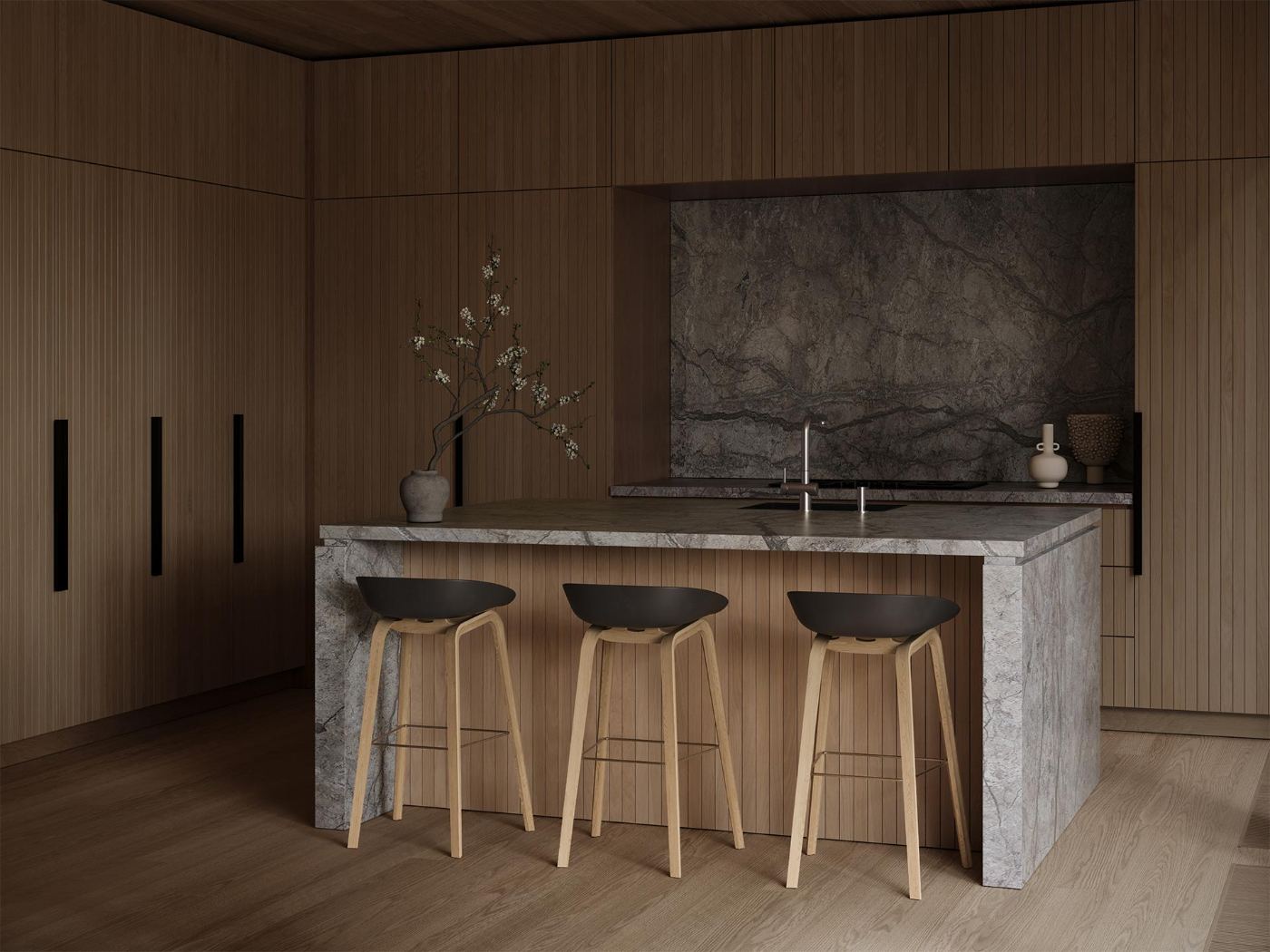
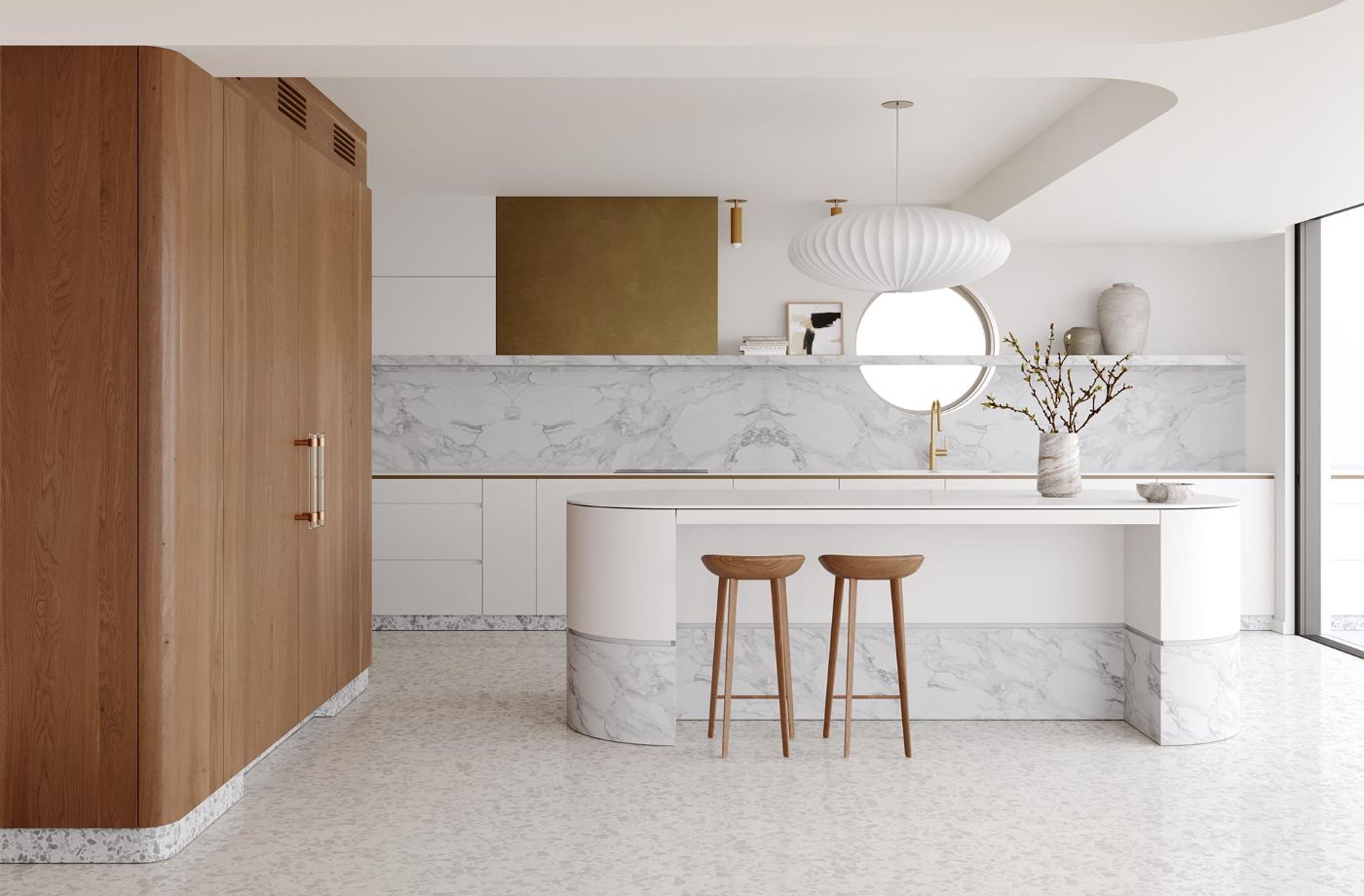
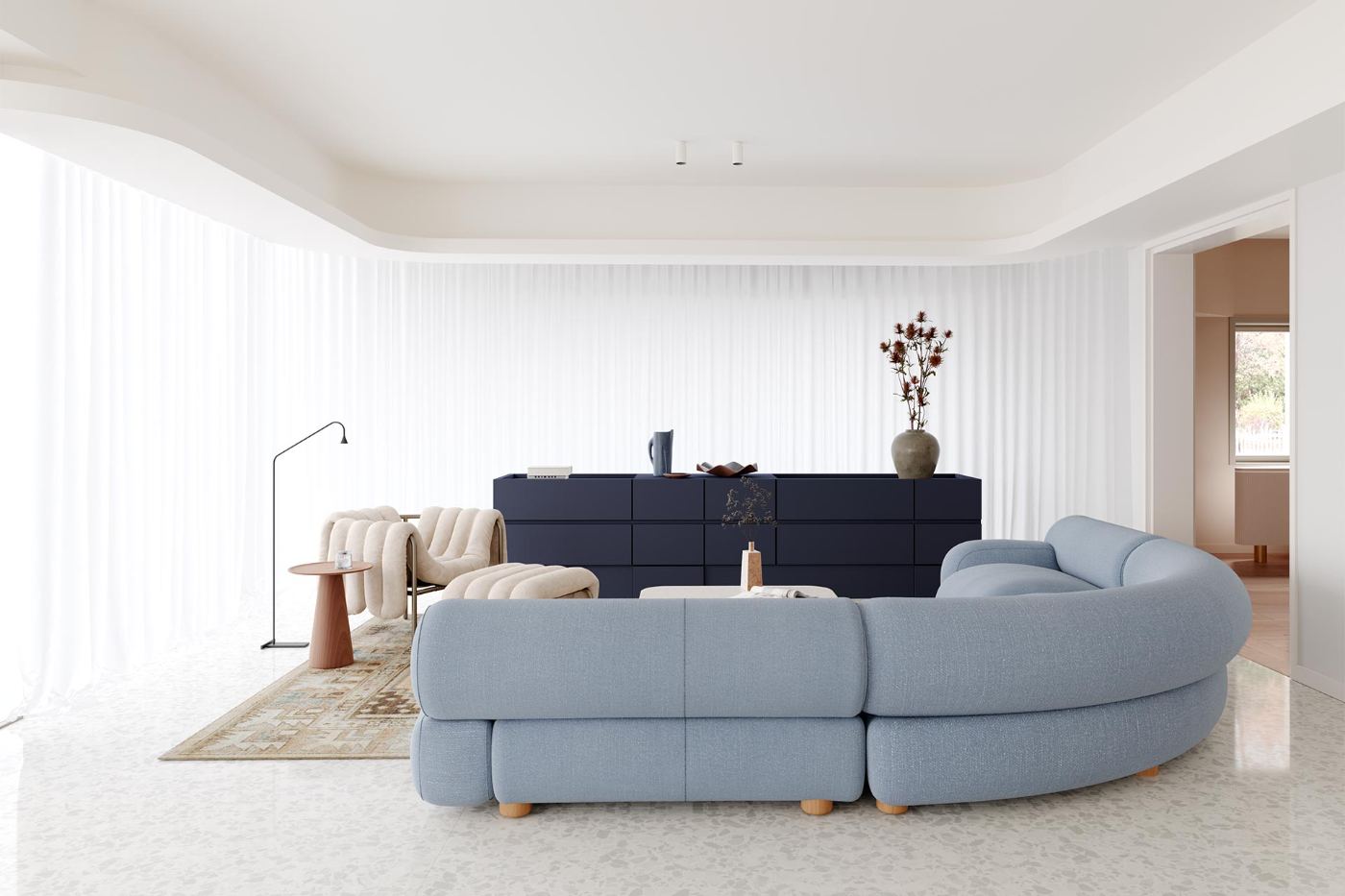
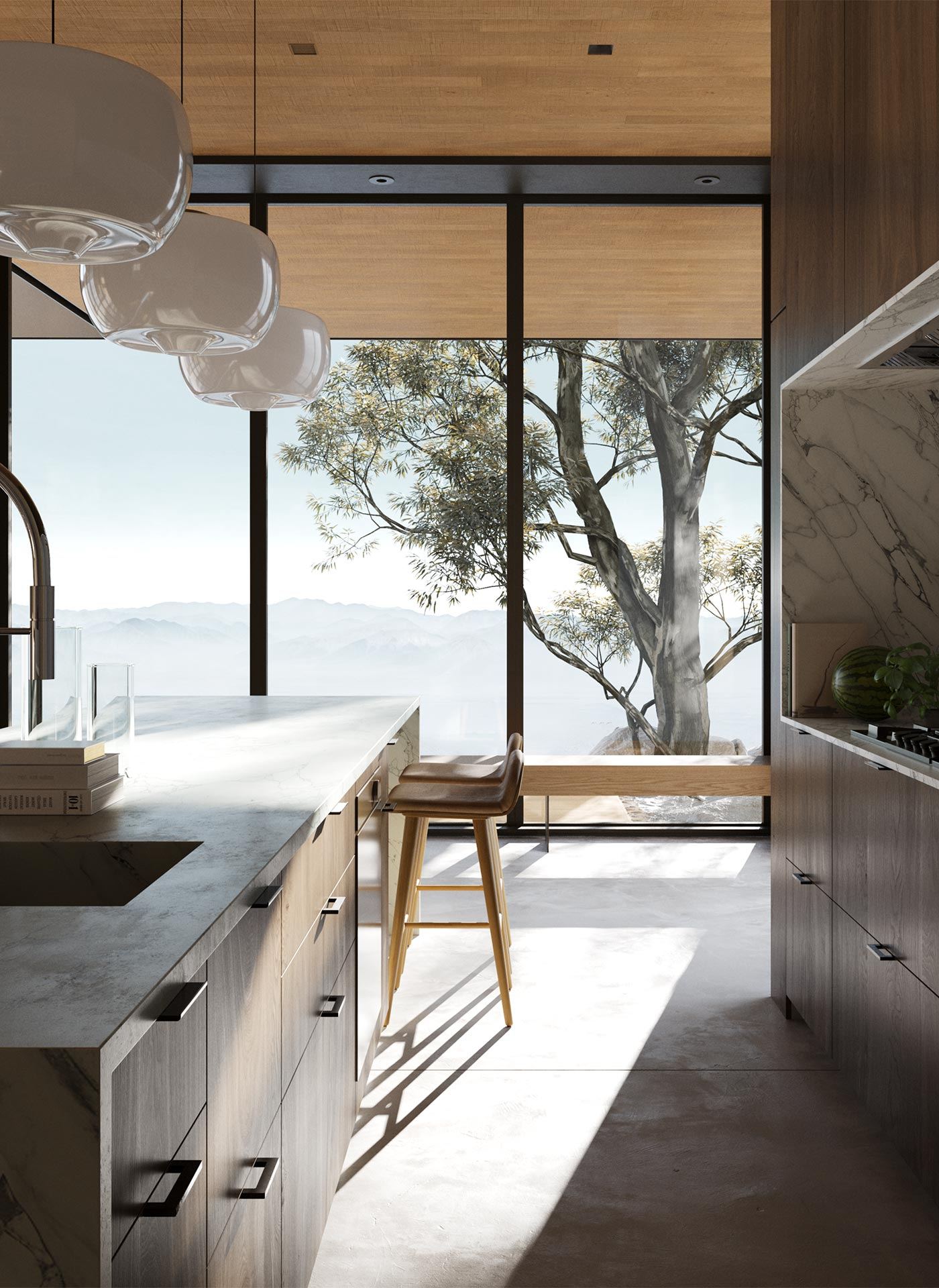
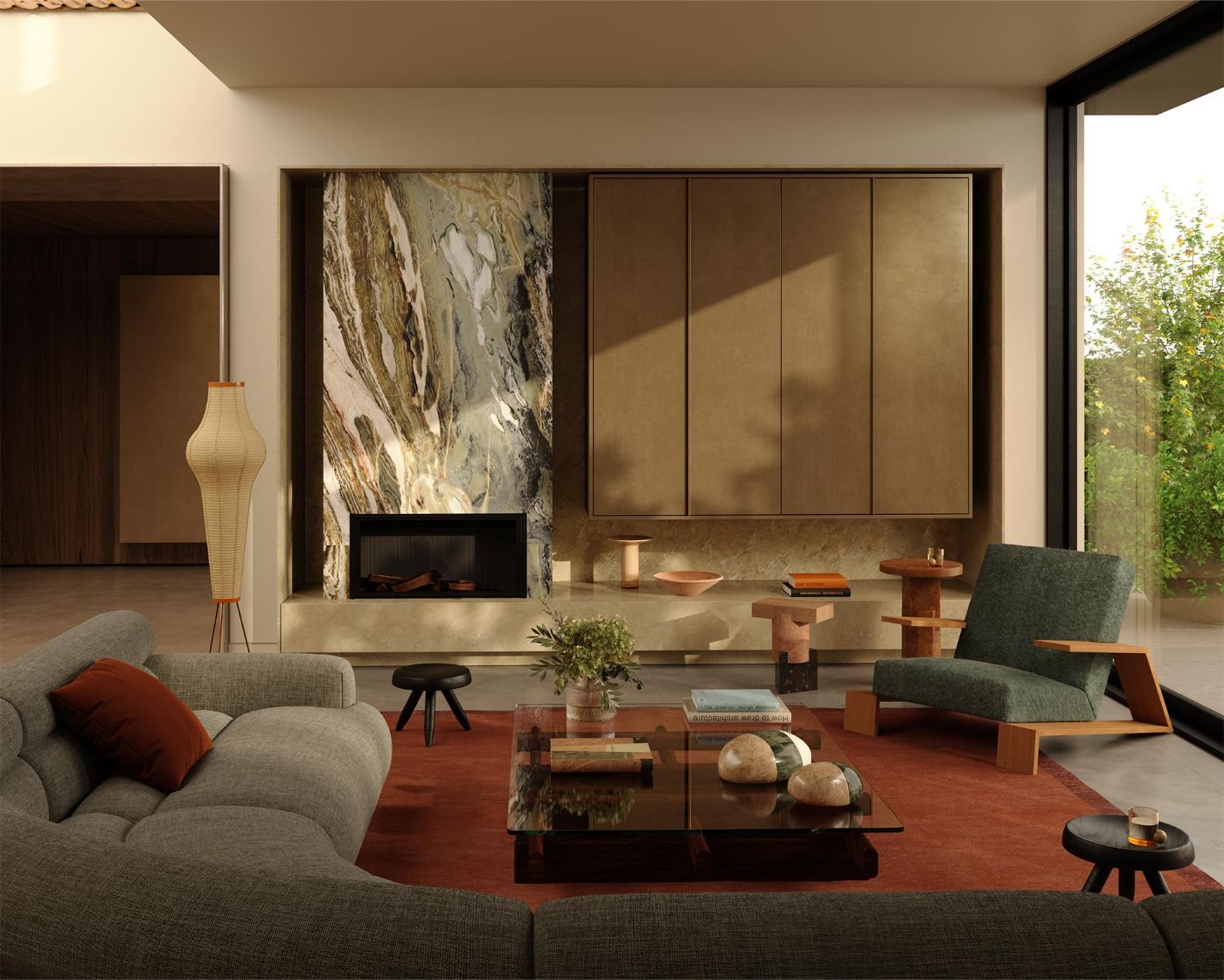
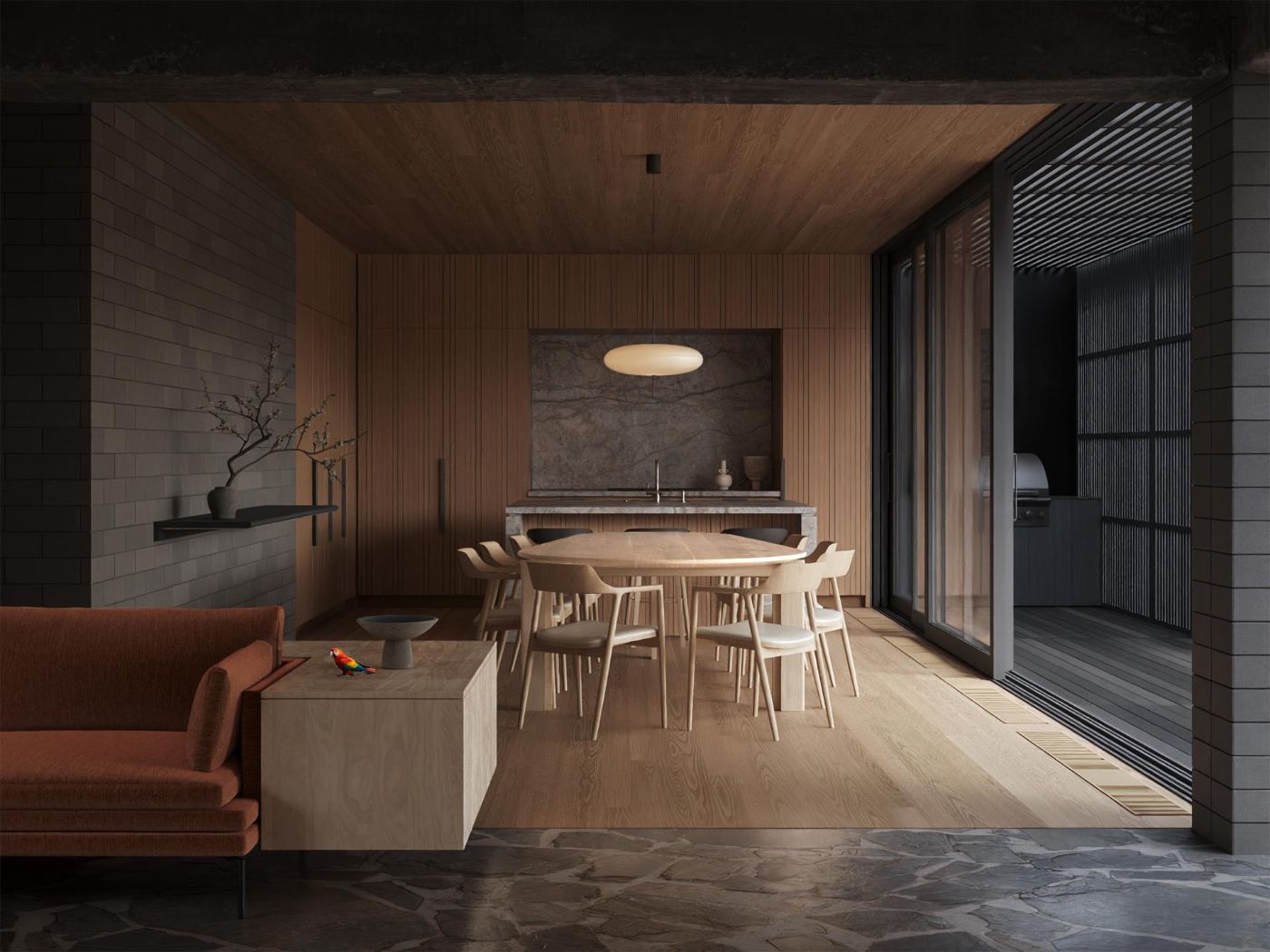
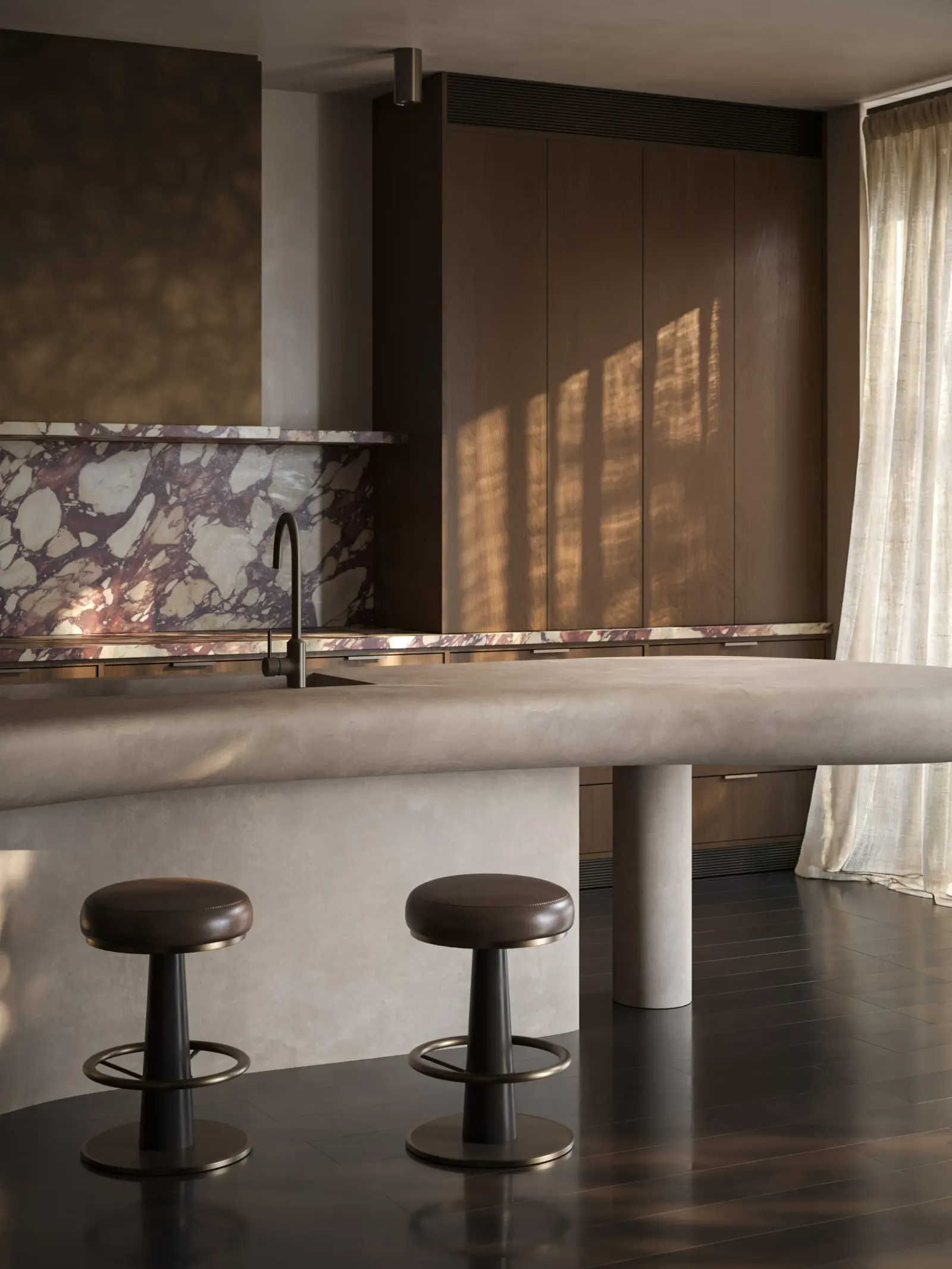
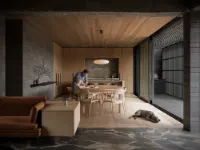
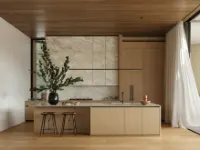
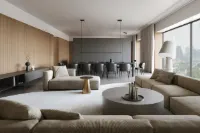
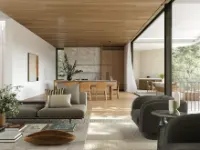
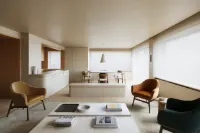
I want to learn how to make images like these
Is it for you?

Built for people who are ready to actually work

Beginners welcome. Lazy students will not finish. We're honest about that up front — the method works on people who show up and put in the hours.

  • 01Total beginnerNever modeled, never rendered, never designed. Skip the years of figuring it out alone.
  • 02Want studio-grade resultsWork that clients pay for, not "good for a beginner" exercises.
  • 03Ready to put in the hoursShow up to live sessions. Do the assignments. Take the feedback. Repeat.
  • 04Want a real methodUsed inside a working studio. Not a YouTube playlist.
  • 05Want AI as a multiplierLayered on top of skill, used the way working artists use it now.
  • 06Care about the imageComposition, light, mood. Not just buttons in 3ds Max.

How a lesson works

FOLLOW‑ME LEARNING.
STEP BY STEP.

Built for total beginners. You watch, then you do — not against the clock.

Step 01
01

WATCH THE LESSON

Pre‑recorded lesson on the platform. Watch it on your own time, pause, rewind. By the time you arrive at the live class, you already know what’s coming.

Step 02
02

JOIN THE LIVE CLASS

Live session. Ask whatever didn’t click in the recording — she answers in real time, on the file, in front of everyone.

Step 03
03

FOLLOW‑ME ASSIGNMENT

You repeat what you just saw on your own scene. No staring at a blank file — the path is in front of you. This is where the technique sticks.

Step 04
04

HOMEWORK REVIEW

You send your file. You get a personal video comment back — what works, what to fix, what to push further. Then the next lesson opens.

Swipe → 4 steps
Student work

FROM ZERO TO THIS —
WORK BY STUDENTS
OF PREVIOUS COHORTS.

15Selected pieces
from past cohorts
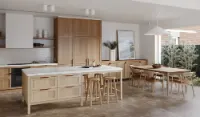
Student work 1 Student work 2 Student work 3 Student work 4 Student work 5 Student work 6 Student work 7 Student work 8 Student work 9 Student work 10 Student work 11 Student work 12 Student work 13 Student work 14 Student work 15
Find out what it takes to join the course
Step-by-step program

WHAT YOU’LL ACTUALLY LEARN

Fourteen concrete blocks of craft — from the first viewport to AI‑assisted finals. Every block is a lesson, a working file, and a piece of the image you ship.

01 · Interface

3DS MAX SET UP THE RIGHT WAY

Viewports, hotkeys, workspace. Stop fighting the software — configure it once, never think about it again.

02 · Modeling

BUILDING A SCENE FROM ZERO

Walls, openings, ceiling, floor. Build the architectural shell of any interior — clean, scalable, render‑ready.

03 · Assets

WORKING WITH READY MODELS

Take any model off the internet and make it work in your scene — reshape, clean, retopo without breaking it.

04 · Structure

LAYERS, SNAPS, GROUPS

The discipline most courses skip. The reason your scene stays editable instead of turning into chaos.

05 · Workflow

OPTIMIZATION & SPEED‑UP

Proxies, instances, scene weight, shortcuts. Cut hours off every project — the tricks studios actually use.

06 · Composition

CAMERA & FRAMING

Where to put the camera, what lens to pick, how to tell a story in one frame. The difference between a render and an image.

07 · Materials

SIMPLE TO MULTI‑MATERIAL SETUPS

Wood, fabric, metal, glass, stone. Single shaders, multi‑materials, multi‑textures — every case you’ll meet on real projects.

08 · Modifiers

THE STACK YOU’LL ACTUALLY USE

Bend, shell, edit poly, turbosmooth, FFD — the working set that solves 90% of modeling tasks.

09 · Render

CORONA RENDER SETUP

HDRI, sun, artificial light. Settings that give clean, fast, studio‑grade output — not a 12‑hour gamble.

10 · Output

PRODUCTION VS FINAL RENDER

What to render, when, and at what quality. Drafts, client previews, finals — know which one you need before you hit start.

11 · Post

POST‑PRODUCTION IN PHOTOSHOP

Render elements, masks, Camera Raw. The final 10% that turns a render into a portfolio image.

12 · AI

PEOPLE & DECOR WITH NANO BANANA

Drop in believable people, art, plants, the exact decor a client asked for — without modeling it. The shortcut studios already use.

13 · AI

ANIMATION WITH KLING

Turn your still render into a moving frame. Cinematic camera moves and atmosphere — in minutes, no animation rig.

14 · Finish

REVIEW, DIPLOMA, NEXT STEP

Final feedback on your image, a course diploma, and a clear path into the industry.

Swipe → 14 lessons
Coursework

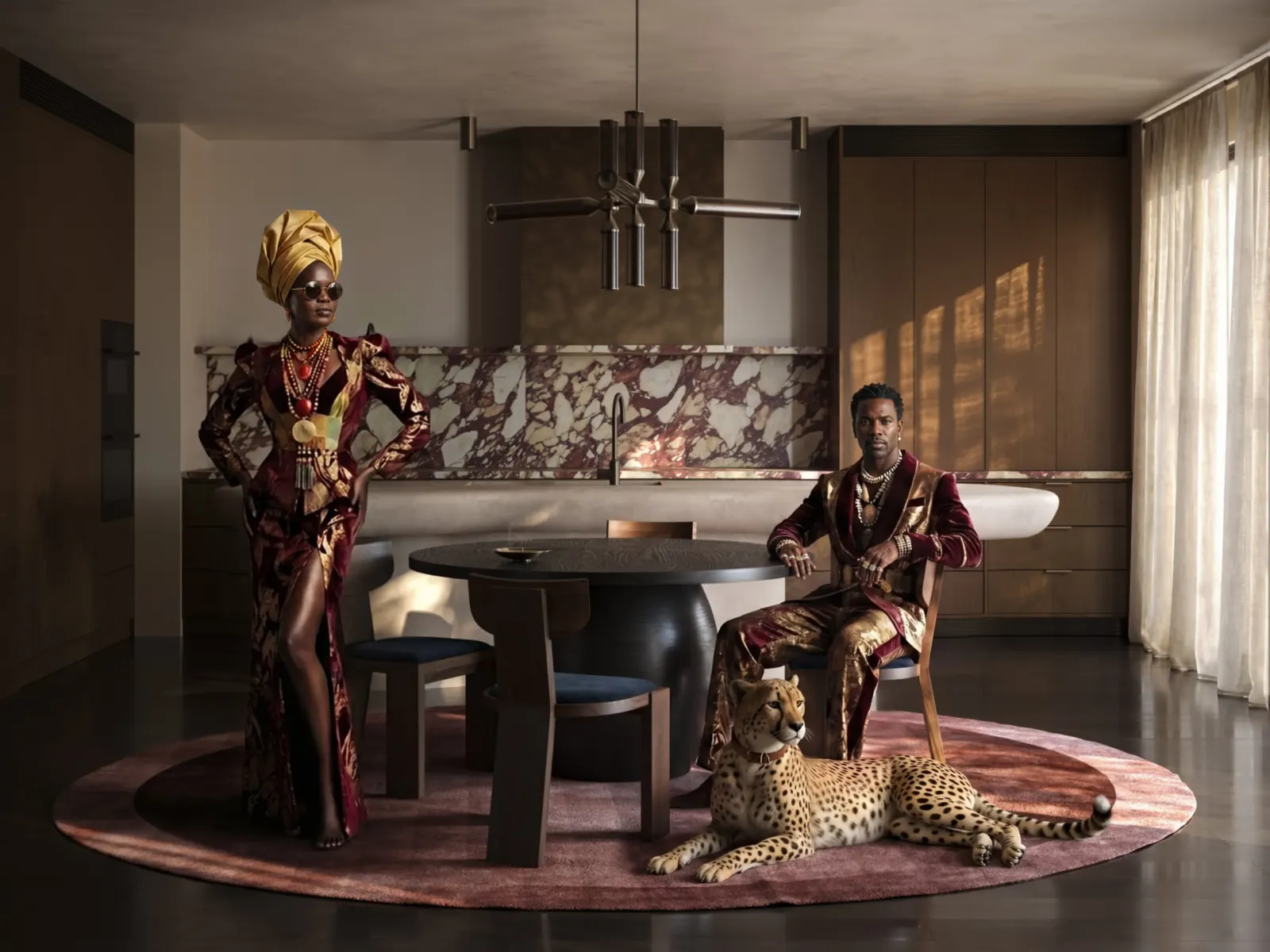
WORK YOU'LL MAKE DURING THE COURSE.

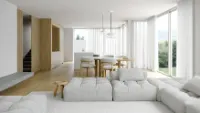
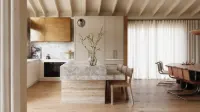
Coursework render 1 Coursework render 2 Coursework render 3 Coursework render 4
Coursework result 1 Coursework result 2
I want to create work like this
What you walk out with

Six things you didn't have on day one.

01
No experience needed

Zero background, zero software open before. We start from the very first click — and four weeks later you ship studio‑grade work. The only requirement is showing up.

02
Renders that look real

Light that behaves like light. Materials that read as wood, glass, fabric — not plastic. And an eye that knows why one frame works and another doesn’t.

03
A scene you control

Clean files. Layers, snaps, groups. Three months in, the project still opens — nothing is broken, nothing is guessed.

04
AI in your workflow

People, decor, animation — the parts you used to spend days on. Now done in minutes, the way studios actually use it.

05
A portfolio that opens doors

Real‑grade images, not student exercises. Send them to a studio on day one and get an interview.

06
The confidence to take a brief

A client describes a space. You know exactly how to build it, light it, and ship it — same files, same workflow we use on paid jobs. No panic, no Googling mid‑project.

Studio-grade work in four weeks — if you show up to do the work.

Toolkit

The same stack we ship to clients

3ds Max Corona Photoshop Magnific
ChatGPT Claude Kling AI Nano Banana Higgsfield
Ira Ostrovska
Mentor

Ira Ostrovska

Working CG artist and interior designer. 8+ years on commercial projects. The person making our paid work is the person teaching you — same hands, same method, same AI workflow.

View portfolio → I want to learn →
Reviewed where it matters

What students say on the platforms they trust.

Reviews

From students who finished

Francesca Liberati
Student of BG 24

This course has gone far beyond my expectations in every possible way. What I've learned isn't just about buttons, commands, and functions — it's about a truly different and thoughtful approach to 3D visualization, to images, and to observing reality itself.
Maryna Pochkun
Student of BG 22

I want to thank you for how great, professional, and responsive you were throughout this course. It was important for me to get the most out of it and ask as many questions as possible — but I didn't even have to, because you were always one step ahead. I truly admire professionals who bring real value to their work.
Weigand Lena
Student of BG 25

A huge thank you to Ira for your patient and easy-to-understand way of explaining things. Many thanks to the whole team for the great organization of the course and the quick feedback.
Olga Reshetnikova
Student of BG 16

I am grateful to the Render.camp team for a great course. I gained not only practical skills, but also an understanding of working with textures and light — it's not just to set the light or adjust the texture, it's a subtle creative work that doesn't require a rush, but the right approach.
Sofija Crnjanski
Student of BG 23

I'm really happy with how much I've learned. 3D visualization always seemed too complex to me, and I struggled to know where to begin. Thanks to Ira, our amazing mentor, the process became so much clearer and more engaging. She explained everything step by step.
Yaroslava Mykhniuk
Student of BG 16

For me, as a complete beginner, this course was extremely saturated and intensive. However, it wasn't excessively complicated thanks to the perfect explanations from Irena and personal feedback. I feel that this course gave me a strong base for further development in visualisation.
Aleksa Spasić
Student of BG 22

I always wanted to master 3ds Max & Corona, Ira taught me a lot, from detail to detail. The lessons are nicely structured and the classes are really clear. I am really happy to be part of this course. Highly recommend it to anyone who wants to start learning 3ds Max & Corona.
Olha Myroniuk
Student of BG 10

I'm very happy I joined this course. In just three weeks, the team managed to compress and share their entire experience, knowledge, practical tips, and useful resources. The clear structure of the course, the way every detail was carefully explained step by step, made the learning process incredibly easy and genuinely enjoyable.
Diana Gegkiyeva
Student of BG 19

This is definitely one of the best courses I've ever taken in my life. From zero to hero, you can't say it better. A month ago, 3ds Max seemed incredibly complicated. And now I'm doing my first independent project and I'm not scared. That's probably the most important thing.
Alessandra Virrey
Student of BG 16

I would definitely recommend this course to anyone who would like to start with their 3ds Max journey. The course was carefully structured and packed with very informative lessons. Really thankful to Irena for teaching the course so thoroughly — when she says small details matter, she means it.
Giulia Toscano
Student of BG 21

A special thanks to Irena for her dedication, passion, patience and clear explanations. At first, I was a bit sceptical about what could be achieved in just four weeks, but I was pleasantly surprised by how much I learned. The course was well-structured and extremely useful, providing a solid foundation for 3ds Max and Corona.
Melanie van Westen
Student of BG 19

The beginners course was a really intensive but inspiring course. The support was really great — it was possible to ask all the questions I had. This was my first experience with 3D and 3ds Max; I feel like I've learned so much and got more tools and knowledge after this course.

Find out what it takes to create work this strong
Namra
Namra 30.04.2026 9:17
i don't understand how to convert obje to proxy can u please guide
Maxim Naval
Maxim Naval 30.04.2026 10:23
1. Select the object in the viewport.
2. Right-click → Corona → Convert to Corona Proxy (or use the Corona menu in the top toolbar → Corona Proxy Exporter).
3. In the dialog, choose Replace original node(s) with proxy, set a path to save the .cgeo file, and confirm.

For V-Ray it's the same logic — right-click → V-Ray mesh export → save as .vrmesh and replace the original.
Namra
Namra typing…
Message #render-camp — support
Support chat

STUCK? ASK.
A REAL ARTIST ANSWERS.

One shared chat for everyone on the course — you, your classmates, and the working CG team behind Render.Camp. Hit a wall at 11pm? Post a screenshot. Real artists weighing in, the whole group learning from every answer.

Permanent access for the full year. Use it during the course, use it after, use it on your first paid project. We’ve been there.

Languages

WATCH IN YOUR LANGUAGE.
20 OF THEM.

We know most of our students aren't native English speakers — and that's completely okay. Mentors speak clearly, repeat important points, and feedback is always shown on screen.

After every live session we translate the recording into 20 languages — full audio, on top of the original. Lessons, Q&A, and video feedback all become available in your language a short time after upload.

It takes a bit of time after each session — but by the time you're ready to rewatch, the translations are there.

EnglishEnglish
العربيةArabic
DeutschGerman
EspañolSpanish
FrançaisFrench
हिन्दीHindi
HrvatskiCroatian
BahasaIndonesian
ItalianoItalian
日本語Japanese
한국어Korean
NederlandsDutch
PolskiPolish
PortuguêsPortuguese
РусскийRussian
ไทยThai
TürkçeTurkish
УкраїнськаUkrainian
Tiếng ViệtVietnamese
中文Chinese
Plans & pricing

Three tracks. Pick your level of commitment.

Track 01
Just watch
€590/ VAT incl.
  • 12 online live classes
  • 12 Q&A sessions
  • Lessons Library of 93 pre‑recorded lessons
    • Interface
    • Modeling
    • Lighting
    • Shadering
    • Postproduction
    • AI
  • 6 months of access to all materials
Buy now →
Track 03 · Personal
Personal track
€2390/ VAT incl.
  • Everything in Watch, Act & Feedback
  • 5 individual lessons with Ira
  • Personal mentorship
Apply →

Not sure which track?

We'll help you pick.

Talk to us
Diploma
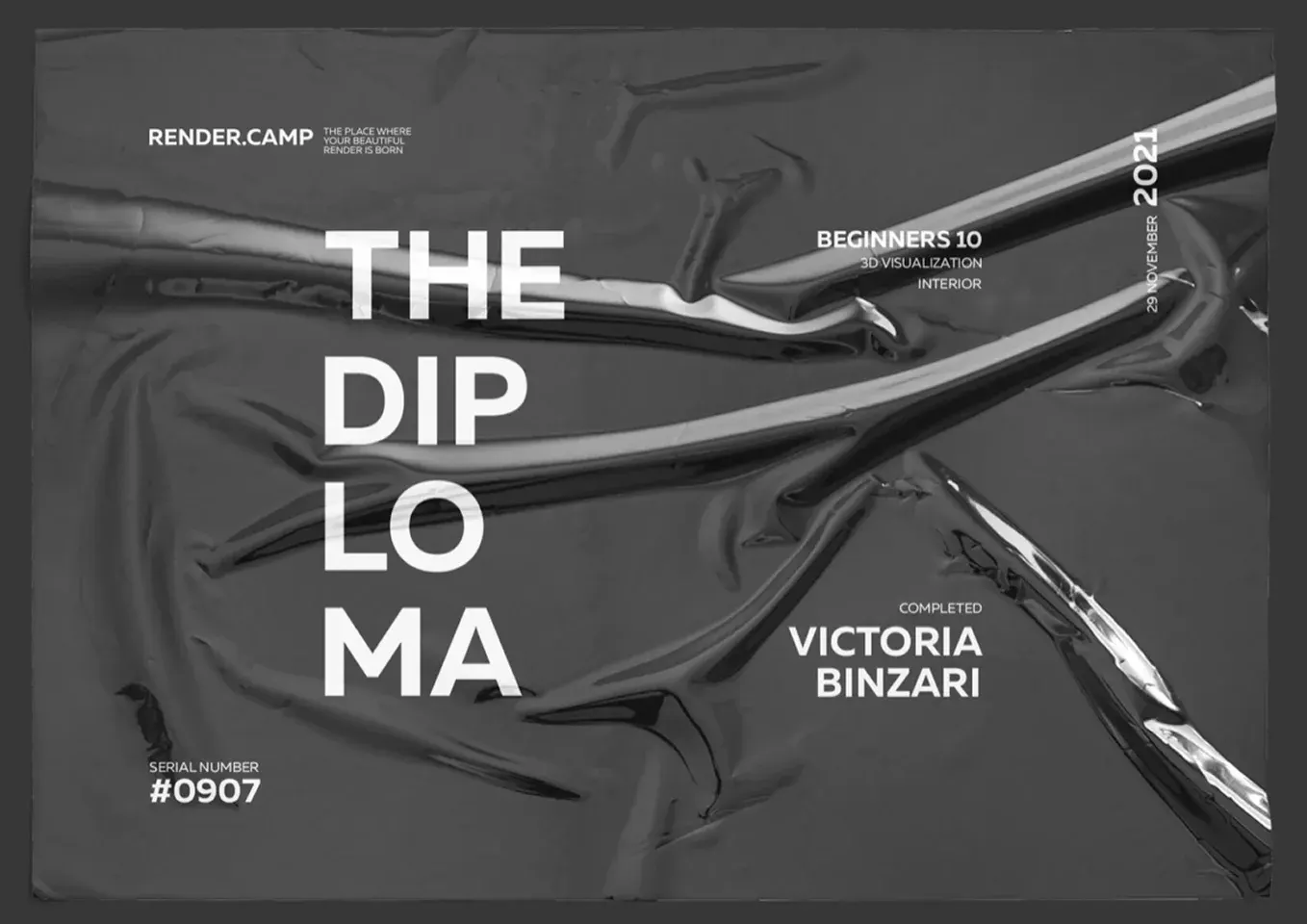
The diploma

Earned. Not awarded.

Submit every assignment on time. Take feedback seriously. Deliver a final project at render.camp standards. Then you walk away with a diploma that means something to studios and clients alike.

Anyone holding one has shipped real work, hit deadlines, and operated at a professional level. We're proud to recommend them. So can you.

* Diploma is awarded for the final project meeting render.camp quality standards within the deadline.

FAQ

Honest answers

I have zero experience+
Perfect. The course starts there. Every render on this page was made by someone who walked in with nothing.
What about AI?+
AI rewards people who already understand images. We teach you the part AI can't replace, and we teach you to use AI inside it.
Is it expensive?+
It costs about two or three commissioned renders. Most students recover it on their first paid project.
How much time does it take?+
Plan for serious hours every week: live sessions, assignments, redos. The course is built for people who can show up and put in the work for four weeks straight.
My English isn't perfect+

We know that most of our students are not native English speakers — and that's completely okay.

Our mentors speak clearly, explain things in a simple and accessible way, and repeat important points when needed. Every session is recorded, assignments are written down, and feedback is shown directly on screen.

On top of that, after each live session, we translate every video into 20 languages: English, Arabic, German, Spanish, French, Hindi, Croatian, Indonesian, Italian, Japanese, Korean, Dutch, Polish, Portuguese, Russian, Thai, Turkish, Ukrainian, Vietnamese, and Chinese.
Hundreds of students have successfully completed the program with imperfect English.

Can I really earn the diploma?+
Yes — if you submit on time, take feedback seriously, and deliver a final project at our standard. Most committed students do.
Beyond 3D — what else can I do with this?+
Interior design, marketing imagery, product visuals, design references, concept art. The method applies wherever an image needs to sell something.
How hard is it?+
Hard enough that you'll be proud of what you make. Doable for anyone willing to actually work.